Building Custom Controllers in Odoo 19 Web Framework
Byte Legions Controllers are the seam where Odoo stops being a closed ERP and starts being a platform other systems can talk to. Every payment callback, every partner portal
Read More

Byte Legions Controllers are the seam where Odoo stops being a closed ERP and starts being a platform other systems can talk to. Every payment callback, every partner portal
Read More
Byte Legions Where POS Data Actually Lives Before It Reaches Your Database Most teams treat Odoo Point of Sale like any other backend module: orders come in, records get
Read More
Byte Legions Most ERP failures do not announce themselves. A nightly sync quietly times out, a scheduled action stops advancing its next execution date, and nobody notices until finance
Read More
Byte Legions Computed fields are one of the most useful tools in Odoo, yet they carry a frustrating limitation the moment a real business process meets them: they are
Read More
Byte Legions Every automation vendor claims to be the easiest, the cheapest, and the most powerful all at once. That marketing math rarely survives contact with a real production
Read More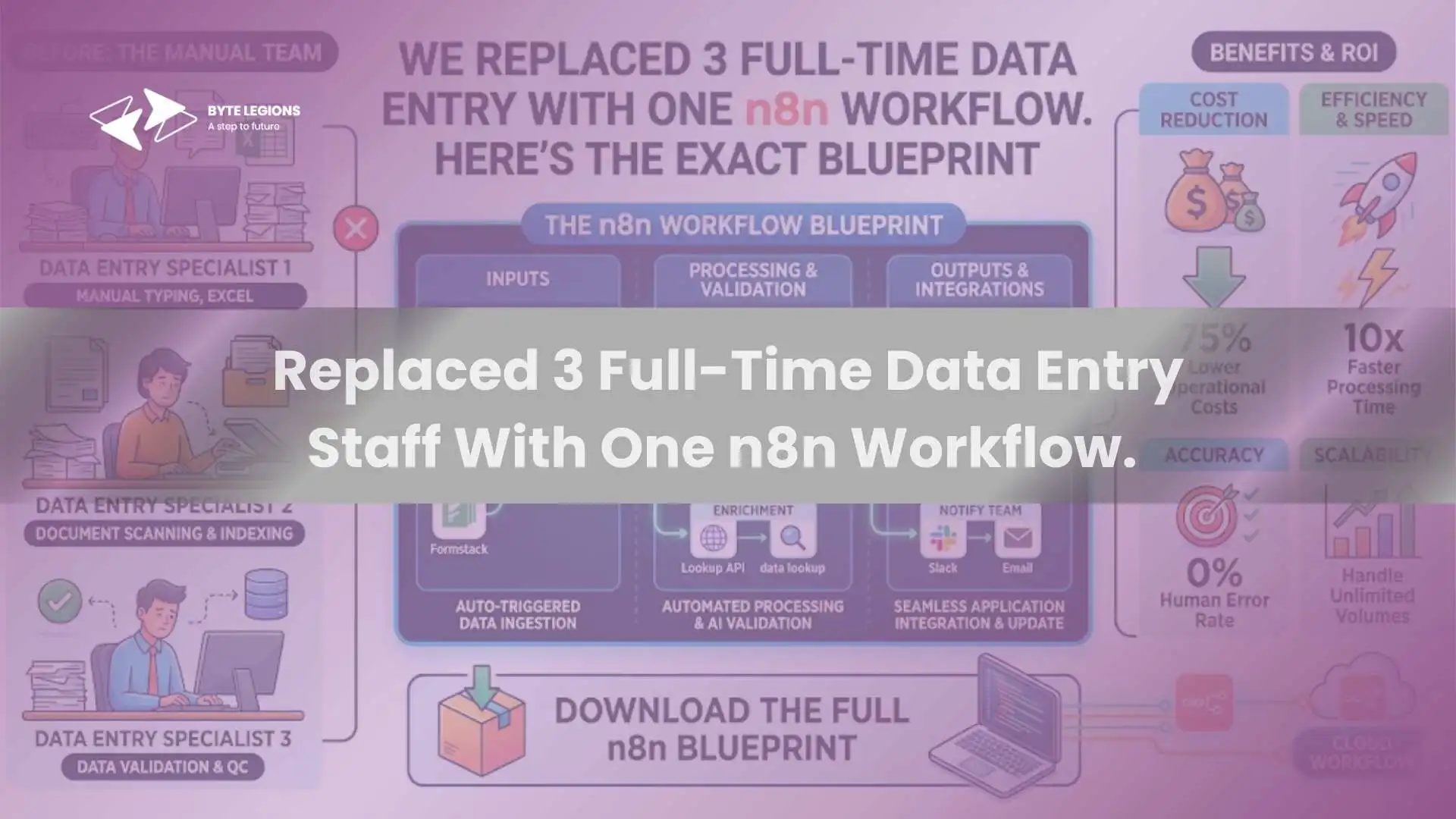
Byte Legions Every growing business hits a point where manual data entry becomes the silent bottleneck. Orders come in from one channel, customer records live in another, and inventory
Read More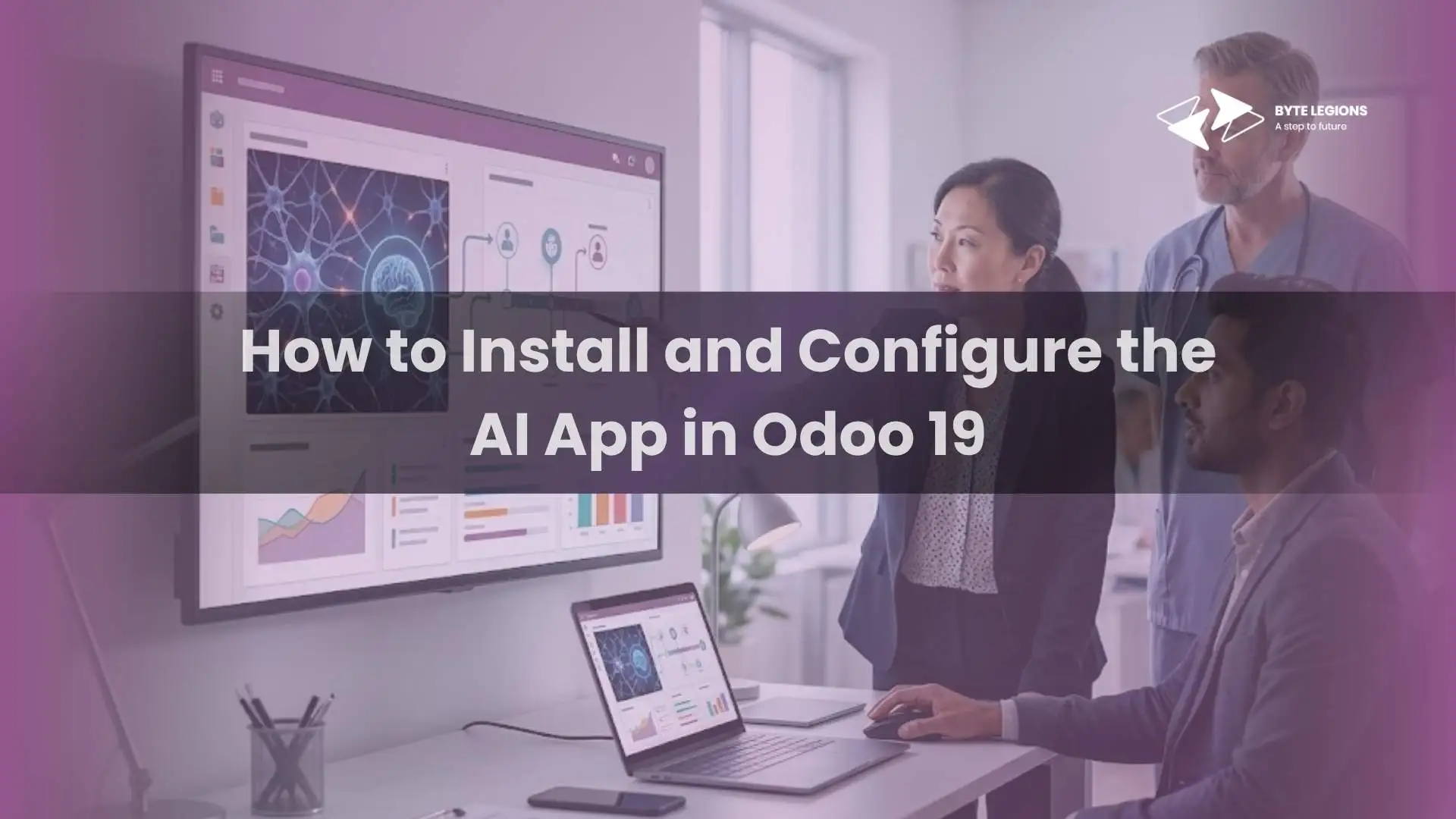
Byte Legions Odoo 19 marks a turning point in how businesses interact with their ERP system. For the first time, artificial intelligence is not a bolt-on feature sitting in
Read More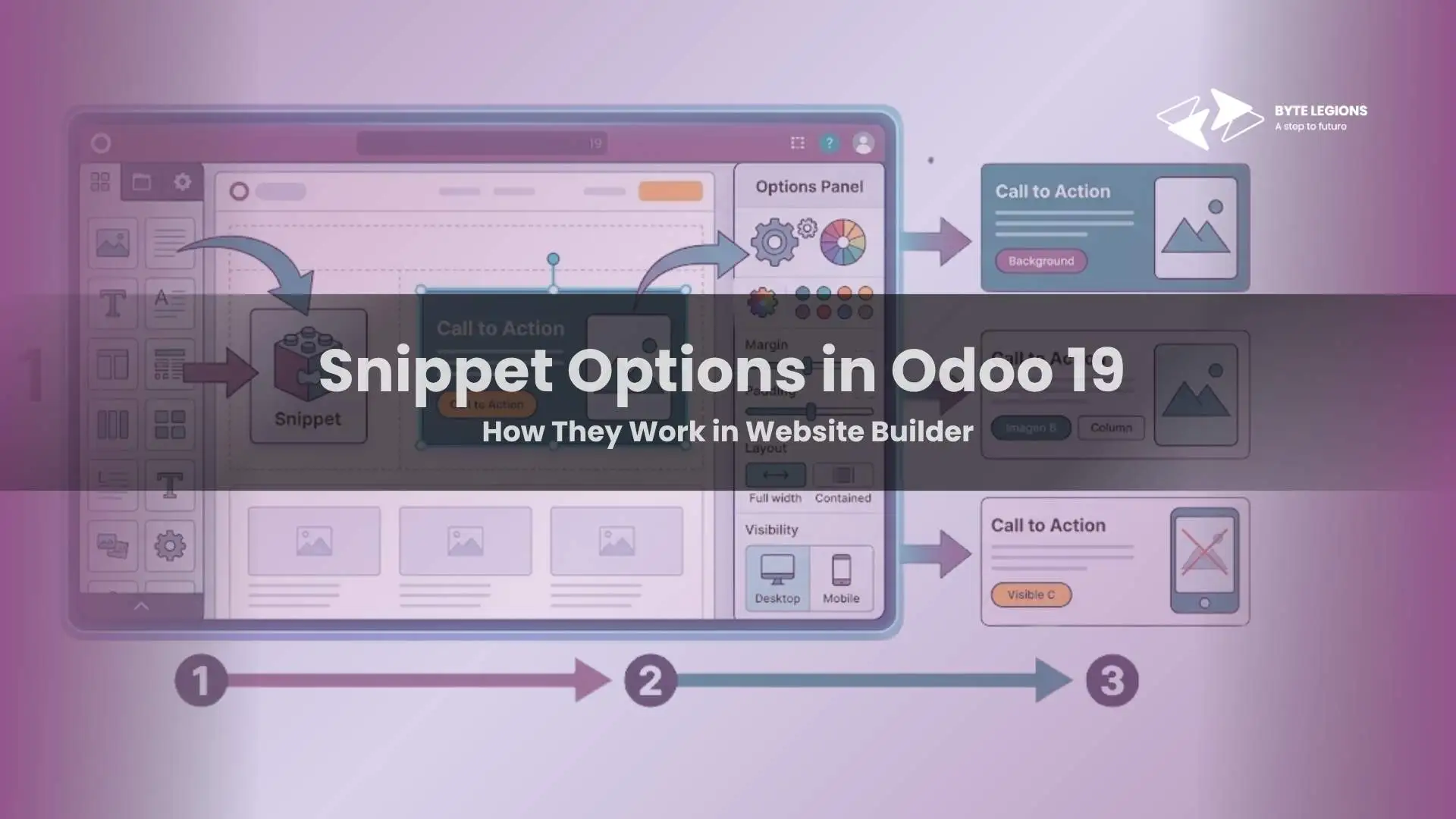
Byte Legions Odoo 19 gives businesses a practical Website Builder that is tightly connected to the rest of the platform, and its building blocks, also called snippets, are a
Read More
Byte Legions If you are building custom frontend behavior in Odoo 19, the useSortable hook is one of the cleanest ways to add drag and drop interaction inside Owl
Read More
Byte Legions Why Odoo 19 Views Matter in Real Business Workflows How Views Connect Users, Data, and Actions For technical and functional teams, views are where business logic becomes
Read More