

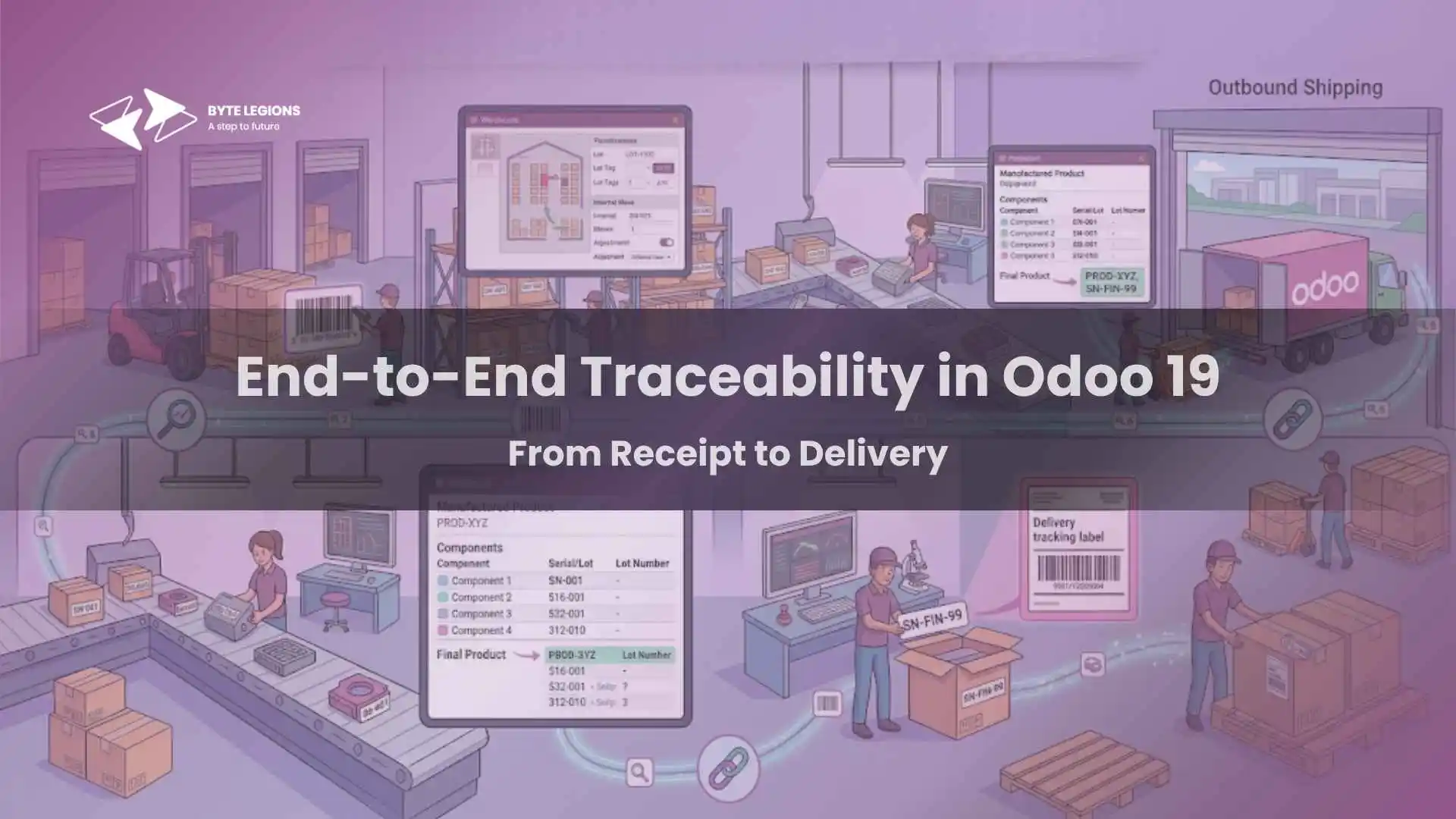
End-to-End Traceability in Odoo 19: From Receipt to Delivery

Businesses can maximise supply chain visibility and warehouse efficiency by leveraging integrated odoo erp modules that connect traceability workflows from inbound receipts to final customer delivery.

Why Full Supply Chain Visibility is Crucial for Business Owners

Managing a business without clear insight into your inventory is like driving blindfolded. Supply chain visibility has become the ultimate game changer for growing enterprises. Whether you are dealing with sensitive perishable goods, high-value electronics, or complex manufacturing components, knowing exactly where every item originated and where it ended up is non-negotiable. As a dedicated odoo functional consultant in USA, I often tell my clients that traceability is not just about compliance. It is about protecting your brand reputation and minimizing costly errors.

When you configure Odoo 19 inventory management properly, you unlock complete lifecycle transparency. You can trace a defect back to a specific vendor shipment or track a recalled component forward to the exact customers who received it. This level of control gives business owners peace of mind and empowers operational teams to act swiftly when issues arise. Let us dive into the mechanics of making this work seamlessly within your system.

The Foundations of Traceability: Lots vs. Serial Numbers

Before we touch the software settings, we need to establish the core difference between the two primary tracking methods available. Choosing the right method is the cornerstone of effective lot and serial number tracking.

When to Use Lot Tracking

Lot tracking groups multiple units of the same product under a single identification number. This approach is absolutely perfect for manufacturing batch tracking, where items are produced together under the exact same conditions. If you are handling food and beverage products, pharmaceuticals, or textiles, assigning a lot number allows you to manage expiration date tracking effortlessly. If a quality control issue surfaces, you can isolate the entire batch rather than inspecting individual units one by one.

When to Use Unique Serial Numbers

Serial numbers, on the other hand, apply a unique identifier to every single unit. Think of laptops, machinery, or high-end luxury goods. This method is essential for warranty management and precise product lifecycle visibility. It requires more data entry during receiving and shipping but provides the highest level of detail. By scanning a serial number, you instantly know the exact history of that specific physical item.

Step-by-Step: Enabling Traceability in Odoo 19 Inventory

Now that we understand the strategic application, it is time to look at the Odoo 19 interface. Setting up the inventory module configuration properly from day one will save you massive headaches later on.

Configuring Your Inventory Settings

To activate traceability features, you must first navigate to your Inventory app settings. Under the Traceability section, enable the checkboxes for Lots & Serial Numbers. You should also turn on Expiration Dates if your product catalog requires it. Once enabled, you must go into the individual product forms. On the Inventory tab of each product, you will specify whether tracking is done by unique serial number, by lots, or not at all. Setting this correctly is the only way the system will prompt your warehouse staff to enter tracking details during future transactions.

Tracking Inbound Movements: Managing Purchase Order Receipts

The journey of a traceable product begins the moment it arrives at your loading dock. Handling purchase order receipts accurately sets the stage for downstream success. When a vendor delivers goods, your receiving team will process the inbound shipment in Odoo.

If the product is set to be tracked, the system will prevent the receipt from being validated until the lot or serial numbers are assigned. You can enter these manually, copy and paste them from a vendor spreadsheet, or rely on barcode scanning inventory tools to speed up the process. Capturing this data at the door ensures that your supply chain visibility is intact from the very first touchpoint.

Internal Warehouse Routing and Stock Movements

Once goods are received, they rarely sit still. They move from receiving zones to bulk storage, and eventually to picking faces or manufacturing floors. Maintaining traceability during these internal warehouse transfers is vital for keeping an accurate system.

If you want to optimize how stock flows through your facility, you might find our guide on advanced inventory optimization incredibly helpful for fine-tuning these processes. Odoo handles stock movements meticulously. Every time a product changes location, the system logs the move, linking the specific lot or serial number to the new bin or shelf. This guarantees exceptional warehouse routing efficiency.

Applying FEFO and Removal Strategies

A key benefit of tracing lots with expiration dates is the ability to automate how inventory is picked. By implementing a FEFO removal strategy (First Expired, First Out), Odoo automatically directs your warehouse workers to pick the items that will expire the soonest. This drastically reduces spoilage and waste. You configure these removal strategies at the product category or location level, ensuring your automated stock replenishment and picking workflows always prioritize the right inventory.

Seamless Outbound Operations: Fulfilling Sales Orders

The final leg of the internal journey is shipping the product to your customer. Sales order fulfillment must be precise to ensure the correct lots or serials are documented on the final invoice. When your warehouse team processes the picking operation, they must scan or select the exact units being placed into the shipping box.

Package Management and Delivery Validation

Modern shipping often involves packing multiple items into a single container. Product package management in Odoo allows you to assign specific traced items to a distinct package, complete with its own tracking barcode. When it is time for delivery order validation, the system performs a final check. If a worker tries to ship a serial number that was not officially picked, Odoo flags the error. This strict validation prevents the wrong items from leaving your building.

Leveraging Traceability Reports for Quality Control and Recalls

The true power of capturing all this data reveals itself when you need to audit your operations or respond to a crisis. Traceability reports in Odoo 19 provide an interactive, visual tree of every movement associated with a lot or serial number.

If a customer reports a defect, you simply type the serial number into the traceability report. The system instantly displays the original purchase receipt, any internal movements, the vendor who supplied it, and the date it was delivered. For product recalls and compliance, you can work backwards. Identify a bad vendor lot and instantly pull up every sales order that received units from that batch. Quality control tracking has never been more straightforward and accessible.

Setting up comprehensive supply chain tracking requires careful planning and a deep understanding of your operational workflows. If you need expert guidance to configure these features for your unique business needs, I would love to chat. Book a Consultation with our team to start optimizing your system today.

Conclusion

Implementing end-to-end traceability in Odoo 19 from receipt to delivery is a transformative step for any growing enterprise. By properly configuring lots, serial numbers, and removal strategies, you safeguard your business against inventory loss, compliance failures, and customer dissatisfaction. It takes diligent setup and a commitment to barcode scanning and validation protocols, but the resulting supply chain visibility is entirely worth the effort.

Frequently Asked Questions (FAQs)

1. Can I change a product from untracked to tracked by serial number later?

Yes, but it requires careful handling. You must have zero stock on hand for that specific product before Odoo allows you to change its tracking parameters in the inventory module configuration.

2. How does Odoo 19 handle serial numbers during a customer return?

When processing a return, Odoo expects the specific serial number that was originally shipped. This ensures accurate quality control tracking and prevents fraudulent returns of items you did not actually sell.

3. Does the FEFO removal strategy work without lot numbers?

No. To use a FEFO removal strategy, you must enable lot tracking and expiration dates, as the system needs those dates to determine which stock to pick first.

4. Can I trace components used in a manufacturing order?

Absolutely. If your components are tracked, Odoo requires you to record the specific lots or serial numbers consumed during production. This links the raw materials directly to the finished goods in the final traceability reports.

5. Do I need special hardware to manage barcode scanning inventory?

Odoo is highly compatible with standard USB or Bluetooth barcode scanners. You can also use the Odoo mobile app on a smartphone to scan barcodes, making the process highly accessible for any warehouse team.

Businesses can maximise supply chain visibility and warehouse efficiency by leveraging integrated odoo erp modules that connect traceability workflows from inbound receipts to final customer delivery.

Why Full Supply Chain Visibility is Crucial for Business Owners

Managing a business without clear insight into your inventory is like driving blindfolded. Supply chain visibility has become the ultimate game changer for growing enterprises. Whether you are dealing with sensitive perishable goods, high-value electronics, or complex manufacturing components, knowing exactly where every item originated and where it ended up is non-negotiable. As a dedicated odoo functional consultant in USA, I often tell my clients that traceability is not just about compliance. It is about protecting your brand reputation and minimizing costly errors.

When you configure Odoo 19 inventory management properly, you unlock complete lifecycle transparency. You can trace a defect back to a specific vendor shipment or track a recalled component forward to the exact customers who received it. This level of control gives business owners peace of mind and empowers operational teams to act swiftly when issues arise. Let us dive into the mechanics of making this work seamlessly within your system.

The Foundations of Traceability: Lots vs. Serial Numbers

Before we touch the software settings, we need to establish the core difference between the two primary tracking methods available. Choosing the right method is the cornerstone of effective lot and serial number tracking.

When to Use Lot Tracking

Lot tracking groups multiple units of the same product under a single identification number. This approach is absolutely perfect for manufacturing batch tracking, where items are produced together under the exact same conditions. If you are handling food and beverage products, pharmaceuticals, or textiles, assigning a lot number allows you to manage expiration date tracking effortlessly. If a quality control issue surfaces, you can isolate the entire batch rather than inspecting individual units one by one.

When to Use Unique Serial Numbers

Serial numbers, on the other hand, apply a unique identifier to every single unit. Think of laptops, machinery, or high-end luxury goods. This method is essential for warranty management and precise product lifecycle visibility. It requires more data entry during receiving and shipping but provides the highest level of detail. By scanning a serial number, you instantly know the exact history of that specific physical item.

Step-by-Step: Enabling Traceability in Odoo 19 Inventory

Now that we understand the strategic application, it is time to look at the Odoo 19 interface. Setting up the inventory module configuration properly from day one will save you massive headaches later on.

Configuring Your Inventory Settings

To activate traceability features, you must first navigate to your Inventory app settings. Under the Traceability section, enable the checkboxes for Lots & Serial Numbers. You should also turn on Expiration Dates if your product catalog requires it. Once enabled, you must go into the individual product forms. On the Inventory tab of each product, you will specify whether tracking is done by unique serial number, by lots, or not at all. Setting this correctly is the only way the system will prompt your warehouse staff to enter tracking details during future transactions.

Tracking Inbound Movements: Managing Purchase Order Receipts

The journey of a traceable product begins the moment it arrives at your loading dock. Handling purchase order receipts accurately sets the stage for downstream success. When a vendor delivers goods, your receiving team will process the inbound shipment in Odoo.

If the product is set to be tracked, the system will prevent the receipt from being validated until the lot or serial numbers are assigned. You can enter these manually, copy and paste them from a vendor spreadsheet, or rely on barcode scanning inventory tools to speed up the process. Capturing this data at the door ensures that your supply chain visibility is intact from the very first touchpoint.

Internal Warehouse Routing and Stock Movements

Once goods are received, they rarely sit still. They move from receiving zones to bulk storage, and eventually to picking faces or manufacturing floors. Maintaining traceability during these internal warehouse transfers is vital for keeping an accurate system.

If you want to optimize how stock flows through your facility, you might find our guide on advanced inventory optimization incredibly helpful for fine-tuning these processes. Odoo handles stock movements meticulously. Every time a product changes location, the system logs the move, linking the specific lot or serial number to the new bin or shelf. This guarantees exceptional warehouse routing efficiency.

Applying FEFO and Removal Strategies

A key benefit of tracing lots with expiration dates is the ability to automate how inventory is picked. By implementing a FEFO removal strategy (First Expired, First Out), Odoo automatically directs your warehouse workers to pick the items that will expire the soonest. This drastically reduces spoilage and waste. You configure these removal strategies at the product category or location level, ensuring your automated stock replenishment and picking workflows always prioritize the right inventory.

Seamless Outbound Operations: Fulfilling Sales Orders

The final leg of the internal journey is shipping the product to your customer. Sales order fulfillment must be precise to ensure the correct lots or serials are documented on the final invoice. When your warehouse team processes the picking operation, they must scan or select the exact units being placed into the shipping box.

Package Management and Delivery Validation

Modern shipping often involves packing multiple items into a single container. Product package management in Odoo allows you to assign specific traced items to a distinct package, complete with its own tracking barcode. When it is time for delivery order validation, the system performs a final check. If a worker tries to ship a serial number that was not officially picked, Odoo flags the error. This strict validation prevents the wrong items from leaving your building.

Leveraging Traceability Reports for Quality Control and Recalls

The true power of capturing all this data reveals itself when you need to audit your operations or respond to a crisis. Traceability reports in Odoo 19 provide an interactive, visual tree of every movement associated with a lot or serial number.

If a customer reports a defect, you simply type the serial number into the traceability report. The system instantly displays the original purchase receipt, any internal movements, the vendor who supplied it, and the date it was delivered. For product recalls and compliance, you can work backwards. Identify a bad vendor lot and instantly pull up every sales order that received units from that batch. Quality control tracking has never been more straightforward and accessible.

Setting up comprehensive supply chain tracking requires careful planning and a deep understanding of your operational workflows. If you need expert guidance to configure these features for your unique business needs, I would love to chat. Book a Consultation with our team to start optimizing your system today.

Conclusion

Implementing end-to-end traceability in Odoo 19 from receipt to delivery is a transformative step for any growing enterprise. By properly configuring lots, serial numbers, and removal strategies, you safeguard your business against inventory loss, compliance failures, and customer dissatisfaction. It takes diligent setup and a commitment to barcode scanning and validation protocols, but the resulting supply chain visibility is entirely worth the effort.

Frequently Asked Questions (FAQs)

1. Can I change a product from untracked to tracked by serial number later?

Yes, but it requires careful handling. You must have zero stock on hand for that specific product before Odoo allows you to change its tracking parameters in the inventory module configuration.

2. How does Odoo 19 handle serial numbers during a customer return?

When processing a return, Odoo expects the specific serial number that was originally shipped. This ensures accurate quality control tracking and prevents fraudulent returns of items you did not actually sell.

3. Does the FEFO removal strategy work without lot numbers?

No. To use a FEFO removal strategy, you must enable lot tracking and expiration dates, as the system needs those dates to determine which stock to pick first.

4. Can I trace components used in a manufacturing order?

Absolutely. If your components are tracked, Odoo requires you to record the specific lots or serial numbers consumed during production. This links the raw materials directly to the finished goods in the final traceability reports.

5. Do I need special hardware to manage barcode scanning inventory?

Odoo is highly compatible with standard USB or Bluetooth barcode scanners. You can also use the Odoo mobile app on a smartphone to scan barcodes, making the process highly accessible for any warehouse team.

Comments are closed